

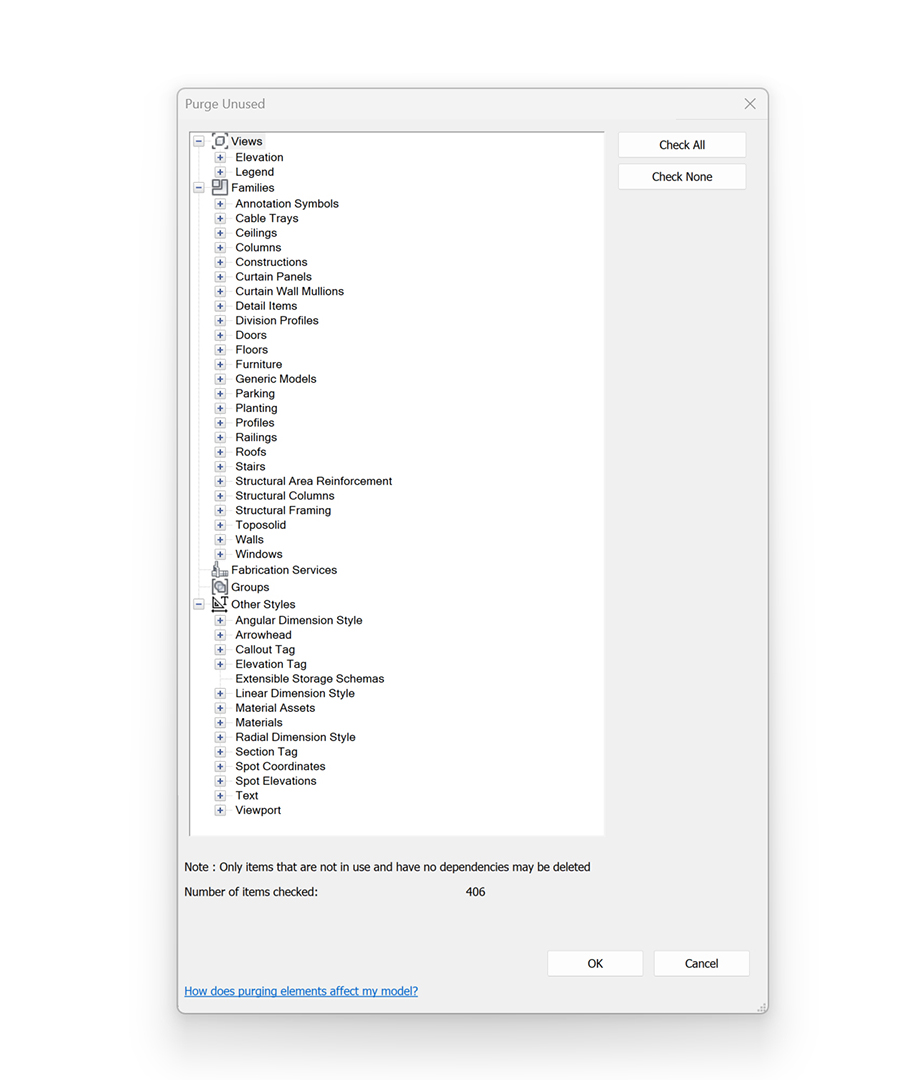
Within Revit, certain elements cannot be easily purged by a user. For example, the out-of-the-box ‘Purge Unused’ command (Manage > Settings > Purged Unused) cannot delete filters, view templates or line styles. While manually deleting these items is possible, this process isn’t always straightforward. For example, when deleting filters, Revit will indiscriminately delete filters without forewarning you that the filter is currently in use. This limitation means there is no way to differentiate between filters in use and those that aren’t.
Identifying unused filters with Dynamo
To help solve this problem, it is possible to use Python and Dynamo. In the example below, the (IronPython2) Python node is doing all the heaving lifting and collecting all the unused filters. A simple conditional statement is then used to allow the user to review the filters before deleting them. Note that, like other elements in Revit, there must be at least one type in the project. Therefore even if no filters are used, there will always be at least one.

import clr
clr.AddReference('ProtoGeometry')
from Autodesk.DesignScript.Geometry import *

clr.AddReference("System.Core")
import System.Linq
clr.ImportExtensions(System.Linq)

clr.AddReference("RevitAPI")
import Autodesk.Revit
from Autodesk.Revit.Exceptions import InvalidOperationException
from Autodesk.Revit.DB import *

# Import ToDSType(bool) extension method
clr.AddReference("RevitNodes")
import Revit
clr.ImportExtensions(Revit.Elements)

# Import DocumentManager
clr.AddReference("RevitServices")
import RevitServices
from RevitServices.Persistence import DocumentManager

def GetFilterIds(view):
  filterIds = None
  try:
    filterIds = view.GetFilters()
  except InvalidOperationException, e:
    filterIds = None
  return filterIds

def GetUsedFilterIds(doc):
  views = FilteredElementCollector(doc).OfClass(View).ToElements()
  usedFilterIds = []
  for view in views:
    viewFilterIds = []
    try:
      viewFilterIds = view.GetFilters()
    except InvalidOperationException, e:
      pass # this exception happens when a view doesn't support filters
    usedFilterIds.extend(viewFilterIds)
  return usedFilterIds

def GetUnusedFilters(doc):
  usedFilterIds = GetUsedFilterIds(doc).ToList[ElementId]()
  if len(usedFilterIds) > 0:
  	unusedFilters = FilteredElementCollector(doc).OfClass(ParameterFilterElement).Excluding(usedFilterIds).ToElements()
  else:
  	unusedFilters = FilteredElementCollector(doc).OfClass(ParameterFilterElement).ToElements()
  return list(f.ToDSType(True) for f in unusedFilters)

#The inputs to this node will be stored as a list in the IN variables.
doc = DocumentManager.Instance.CurrentDBDocument

#Assign your output to the OUT variable.
OUT = GetUnusedFilters(doc)
Conclusion
Revit really should allow users to purge all unused elements in their model. However, as shown, certain elements cannot be purged using out-of-the-box functionality. But with a little assistance from Dynamo, we can automate the process and help keep models clean and lean.







6 Comments
Pete Hughes
Top work chaps!
We had a big issue with one model, ran the script, deleted 4485 unused in 5 seconds.
Thank you!
paulwintour
Thanks for the feedback Pete. I’m glad it solved your issues. We’ll soon be developing solutions for the other culprits, like unused view templates, so stay tuned.
Carlos Munoz
Thanks a lot. Appreciate it
Rodrigo Quenaya
Muchas gracias
Royalsonny
Thank you so much for the information, but could you please help me. I’m having trouble making this script to work. The python script return “null” do I have to create this- FilteredElementCollector? thank you so much for your help.
Paul Wintour
Can you post a link to a screenshot showing the problem. If you copy/paste the code it should work.