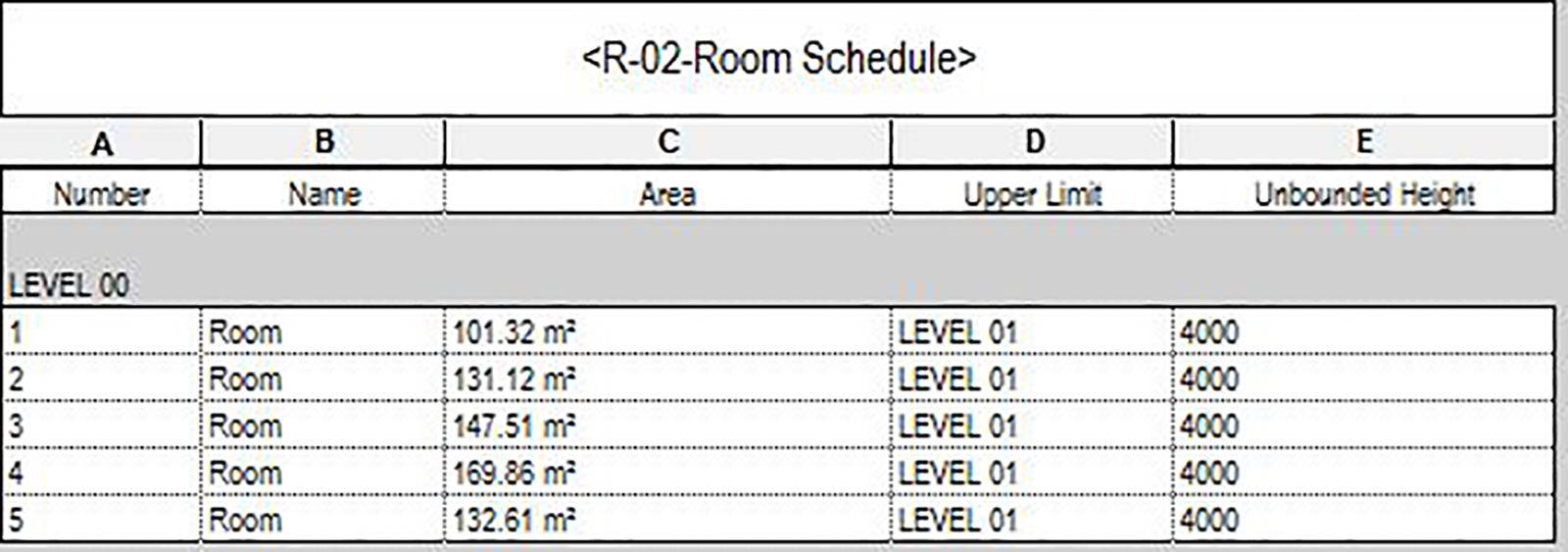
A frequent, time-consuming Revit task is manually adjusting the upper limit of rooms. This problem arises because unless you are diligent as you place rooms by setting the upper limits correctly, rooms will default to an unbounded height of 2438mm (8 feet). This inaccuracy can prove frustrating when you want to apply a colour scheme in section.
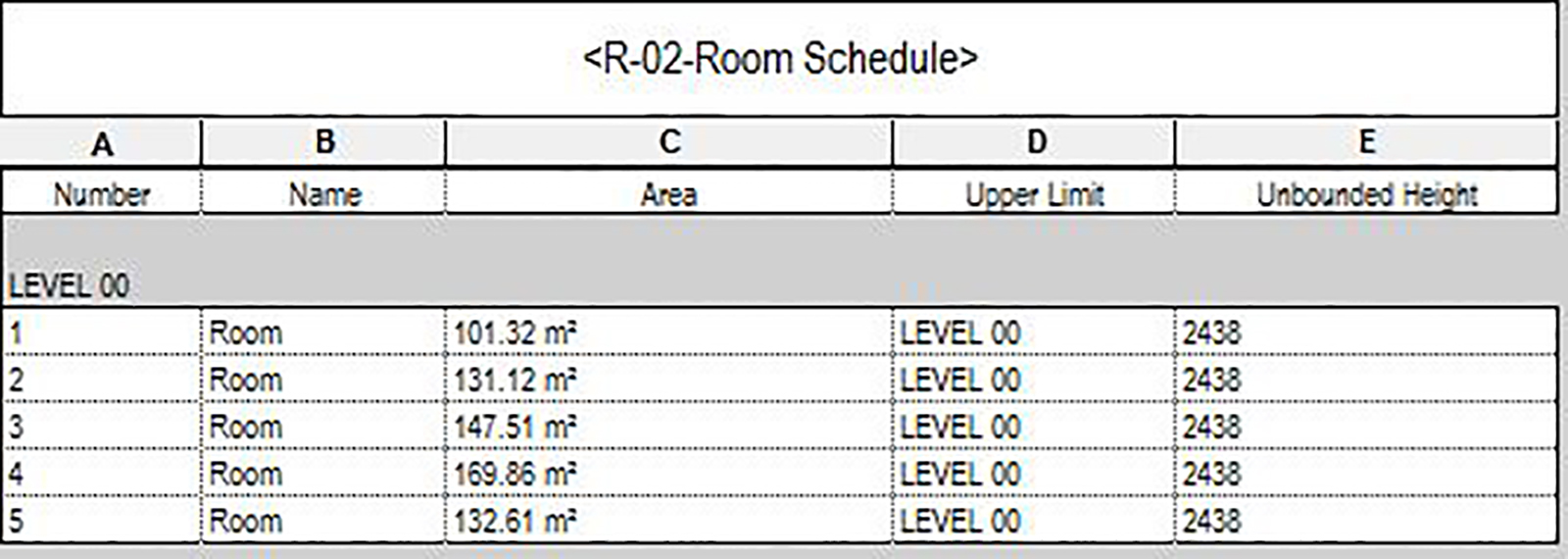
Adjust room upper limit with Dynamo
To solve this issue, Parametric Monkey has developed a Dynamo graph, available as part of our Dynamo Package Development service.
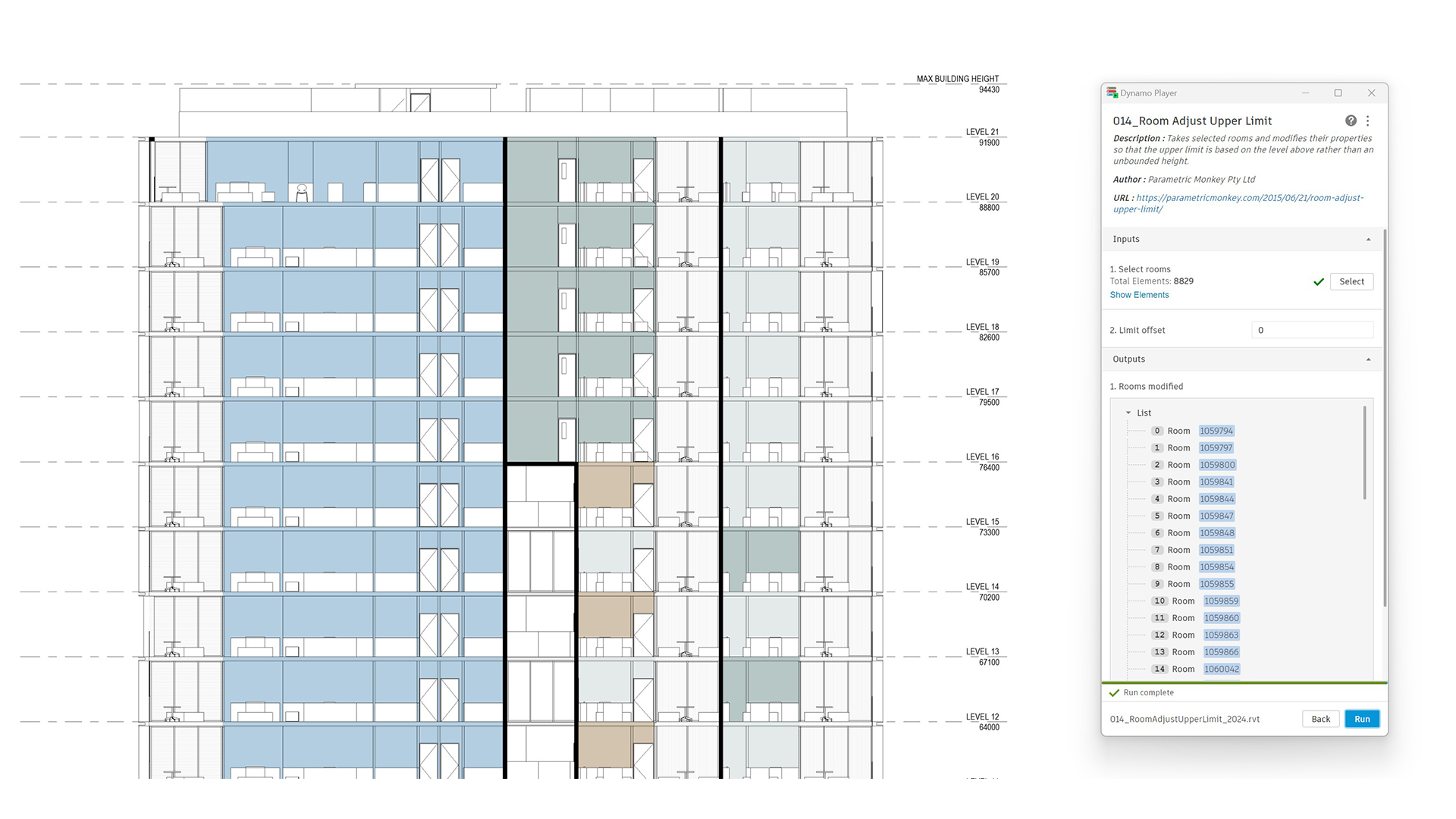
To run the graph:
- Select the rooms to be modified (#1). Selected elements that are not rooms are automatically filtered out.
- Define the room’s limit offset from the level above (#2).
- Press Run.
Computational logic
The graph filters out any unbounded rooms or rooms within model groups. Next, the room’s level is extracted, and the level above is determined. Finally, the room’s ‘Upper Limit’ parameter is updated along with the user-defined ‘Limit Offset’.