

There are many operations in Dynamo that are driven from room geometry. For example, creating floor finishes based on the room’s boundary. Similarly, when creating 3D masses of rooms, you’ll want to extract the room’s boundary so that you can extrude it. However, problems can arise if the room’s boundary is self-intersecting or has multiple boundaries.
The problem
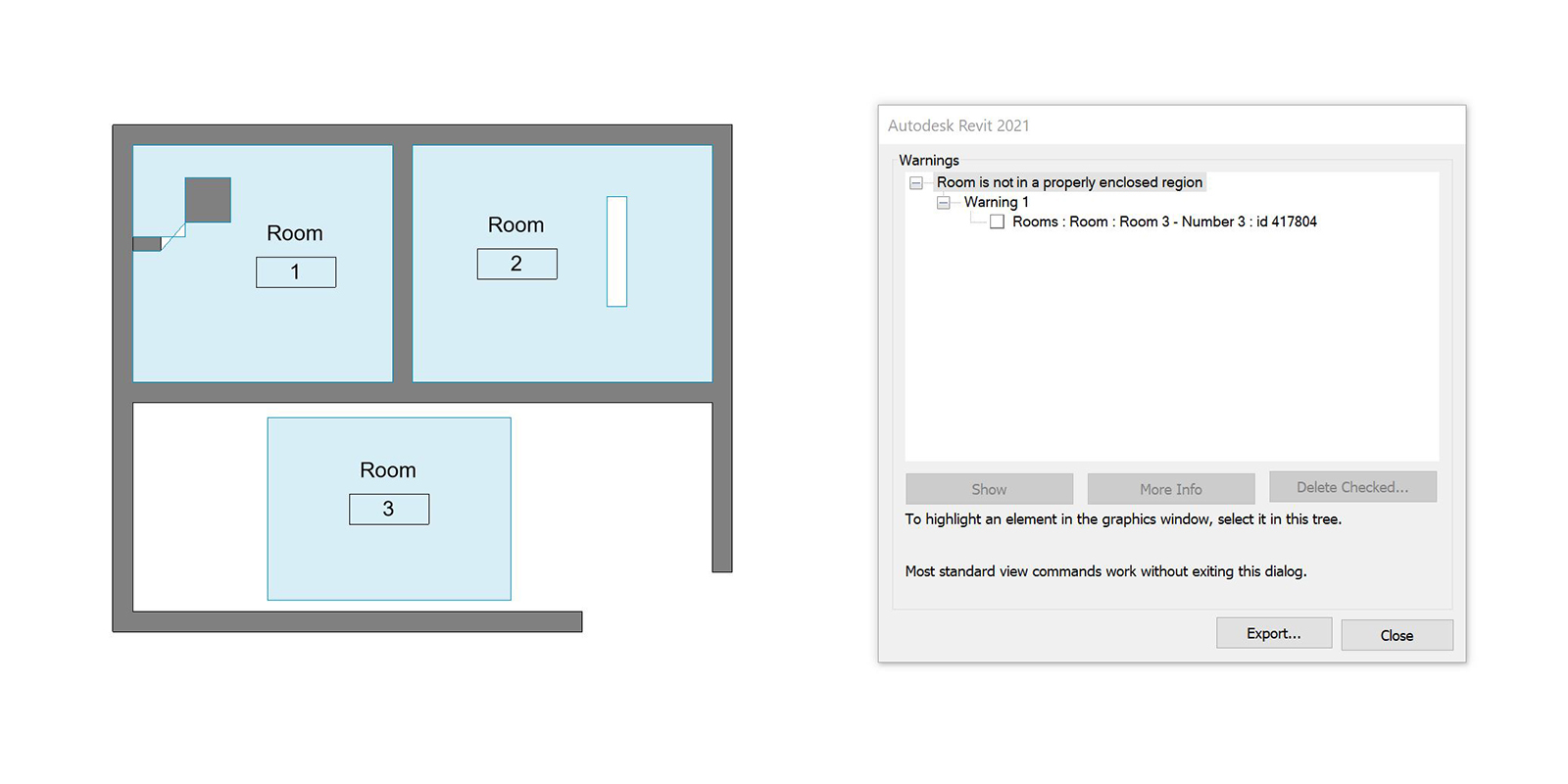
Self-intersecting boundaries frequently happen at complex wall joints, particularly near room-bounding structural columns. While Revit warns you that a room is not enclosed, it doesn’t notify you if its boundary is self-intersecting. In this scenario, area calculations will be incorrect and without any notification or way to identify the culprits.
Checking rooms with Dynamo
To help identify problematic rooms, Parametric Monkey has developed a custom Dynamo graph, which is available as part of our Dynamo Package Development service. The graph can be run within Dynamo Player and requires no user inputs.

The graph collects all rooms in the project and filters them based on those that have self-intersecting boundaries, multiple boundaries, or which are unplaced. Each list is returned as a separate output for manual review.
To find out more about our Dynamo Package Development service, drop us a line and discover how we can automate your Revit workflows.







1 Comment
Fred Ortiz
Thanks for sharing. This is something I have been looking into/working on, but for linked arch models in my MEP models. Shoot me an email to discuss.